
The short version
- A social media posting bot is any software that publishes posts for you without you pressing the button each time.
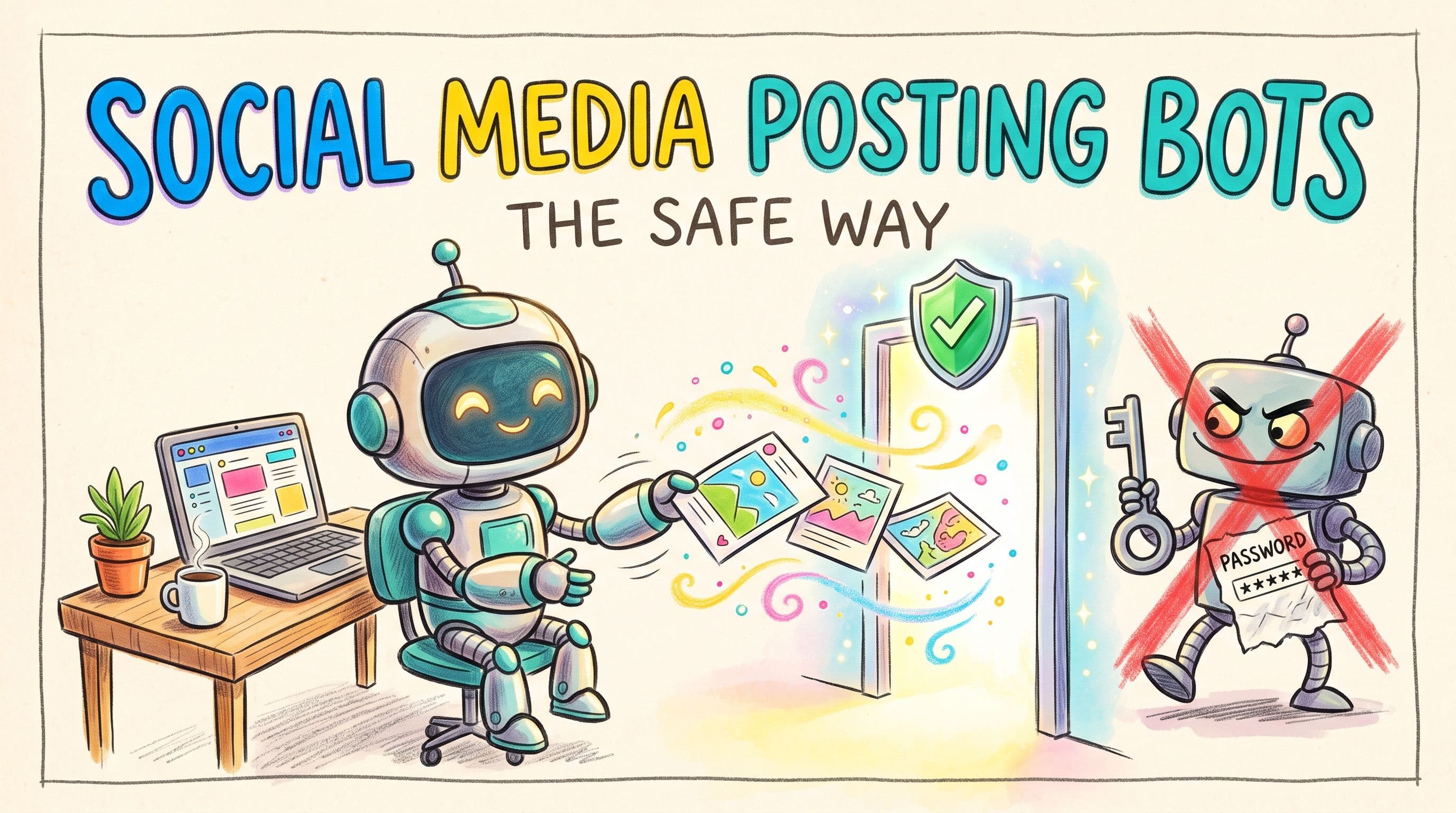
- The safe kind talks to the platform through its official API, using permission you grant through the platform's own login screen. Schedulers, API scripts and AI agents connected over an API or MCP all fall here.
- The risky kind asks for your password, or drives a browser or phone to pretend to be you. X, Instagram, TikTok and LinkedIn all restrict this in their terms, and it's how accounts get locked.
- If you want a posting bot, use a scheduler, write a small script against a social media API, or connect an AI agent to an API layer like post bridge.
What people mean by "posting bot"
"Bot" covers very different things. Some are normal tools almost every brand uses. Some get accounts suspended. The difference is rarely what the bot posts. It's how it gets into your account.
There are two ways software can post for you:
- Through the official API. You click "connect", the platform shows you its own login and permission screen, and the tool gets a token that lets it publish on your behalf. It never sees your password. The platform knows exactly which app is posting and can revoke it any time.
- By pretending to be you. The tool takes your username and password, or runs a headless browser, a browser extension or a farm of phones, and clicks through the app like a human would. The platform sees what looks like you, but behaving strangely.
The first is what platforms built their APIs for. The second is what their terms are written to stop.
Create once, post everywhere
post bridge publishes and schedules your posts to Instagram, TikTok, YouTube, X, LinkedIn, Facebook, Pinterest, Threads, Bluesky and Google Business Profile from one dashboard.
Try it free for 7 daysWhat the platforms actually say
Here's what each platform's own rules say, paraphrased where the wording is long, with links to the originals.
X (Twitter)
X's automation rules say automated activity is covered by the X Rules and, for developers, the X Developer Agreement and Policy. They explicitly list non-API automation, such as scripting the X website, as something you may not do, and warn that it can lead to account suspension.
So on X, the line is literally "API or not".
X also has automated account labels. If you run a genuine bot account (say, one that posts weather updates or new blog articles), you can mark it as automated and link it to the human-run account that manages it. The label shows on the bot's profile so people know it isn't a person. A brand account where a scheduler posts your own content is just scheduling, not a bot account.
Instagram (Meta)
Instagram's Terms of Use say you can't create accounts or access or collect information in an automated way without Meta's express permission, and you can't access the service in unauthorized ways. They also say you can't ask for or collect other people's login credentials, or request Instagram usernames and passwords.
That last part matters. A tool that asks for your Instagram password is asking you to help it do something Instagram's terms forbid. Official Instagram publishing goes through Meta's API with a Facebook or Instagram login screen, not a password box on a third-party site.
TikTok
TikTok's Terms of Service prohibit using automated systems or software, including "bots", to extract data or content unless TikTok approves it. They also say you must keep your password confidential and not disclose it to any third party, and not give others access to your account without permission. TikTok reserves the right to suspend or ban accounts that break the terms.
Approved posting on TikTok goes through TikTok's Content Posting API, which apps have to apply for and get audited on.
LinkedIn's User Agreement is the most direct. In section 8.2 ("Don'ts") it says you won't use bots or other unauthorized automated methods to access the services, add or download contacts, send or redirect messages, or create, comment on, like, share, or re-share posts. It also bans software, scripts, robots, crawlers and browser plugins or add-ons used to scrape the service.
Note the word "unauthorized". LinkedIn has an official API for posting, and apps approved for it are authorized. Browser extensions that auto-post or auto-engage are the thing being banned.
Why the password and browser bots get caught
Platforms don't publish exactly how they detect this, so take this as commonly reported rather than official. Bots that pretend to be you tend to log in from servers in other countries, act at inhuman speed, and look like a different device every day. That trips security checks, which leads to verification prompts, locked accounts, or restrictions.
There's also a security problem. Your password gives a tool full control of the account, including DMs and the ability to change your email. An API token is limited to what you approved and revocable from the platform's settings.
Our honest advice: never give a posting tool your social media password. If it doesn't use the platform's own "connect" screen, walk away.
Safe posting bot vs risky posting bot
| Official API bot | Password or browser bot | |
|---|---|---|
| How it connects | Platform's own login and permission screen | Your username and password, or a scripted browser/phone |
| Sees your password | No | Yes |
| Allowed by platform terms | Yes, within API rules | Restricted on X, Instagram, TikTok, LinkedIn |
| Revoke access | From the platform's settings | Change your password and hope |
| Typical examples | Schedulers, API scripts, AI agents via API/MCP | Auto-poster extensions, "growth" bots, phone farms |
How to build a safe posting bot
There are three good options, depending on how technical you are.
1. Use a scheduler (no code)
For most people, the "bot" they need is a scheduler: write posts once, pick times, and the tool publishes through each platform's API.
A tool like post bridge lets you write once and post everywhere, set per-platform caption overrides, schedule or post now, bulk schedule from a calendar, and cross-post to several accounts on the same platform. It publishes to Instagram, TikTok, YouTube, X, LinkedIn, Facebook, Pinterest, Threads, Bluesky and Google Business Profile. If you're comparing options, our social media scheduler page and the guide on how to automate social media scheduling go deeper.
2. Write a script against a social media API
If you want a real bot (post every new blog article, publish a daily chart, turn new YouTube uploads into clips), write a small script that calls an API.
You can go straight to each platform's own API, but that means developer access and app reviews on each one (TikTok, for example, keeps posts from unaudited apps private), plus token refresh and API changes. For one person across 5 to 10 platforms, that's a lot.
The shortcut is a unified social media API: one API that's already approved on each platform, where you connect accounts through the official screens and then make one call to publish everywhere. post bridge has a REST API that does this, including first comments, YouTube titles, tags and custom thumbnails, TikTok drafts, and X and Threads thread chains. There are other good options too, and we compared them honestly in the best social media scheduling APIs.
3. Connect an AI agent through MCP
The newest kind of posting bot is an AI agent. You tell Claude, ChatGPT, Claude Code, Gemini or OpenClaw "post this video to TikTok and YouTube Shorts tomorrow at 9am", and it does it.
The safe way is through an API, usually via MCP (Model Context Protocol), a standard way for AI agents to use tools. The agent never touches your password or a browser.
Be careful with "AI agents" that operate your computer or browser to click through Instagram or TikTok for you. That's the browser-bot pattern again, with an AI driving, and it runs into the same terms.
post bridge has an MCP server so agents can list your connected accounts, upload media and schedule posts. See the AI agents overview or the step by step guide on how to post to social media with AI agents.
Rules that apply even to API bots
Using an API keeps you inside the terms, but a few things still apply:
- Spam rules still count. Posting the same thing over and over, or flooding hashtags, breaks platform rules whether a human or an API does it.
- Label real bot accounts. On X, a fully automated account should use the automated account label.
- Keep a human in the loop for AI posts. Agents are good at doing what you ask, which includes the wrong thing. Review drafts or schedule ahead so you can catch mistakes.
Where post bridge fits (and where it doesn't)
post bridge is built for one person running their own marketing who wants posts to go out reliably, by hand, by script or by agent. Plans are Marketer at $39/month for 15 connected accounts and Operator at $99/month for 99 accounts (plus $1/month per extra account), with unlimited posts and a 7-day free trial. There's no free plan. Details are on the pricing page.
It's not a growth bot. It won't auto-like, auto-follow, auto-reply to DMs or recycle old posts, and it doesn't do social listening or team approval workflows. If you need those team features, a bigger management platform is the better pick. If you want an engagement bot, no legitimate tool will do that for you safely, because the platforms don't allow it.