
Stop doom-scrolling X. Keep what matters.
5 minutes of timeline per hour. DMs, notifications, and posting stay open.
Add to Chrome — FreeFree on the Chrome Web Store. No account, no tracking.
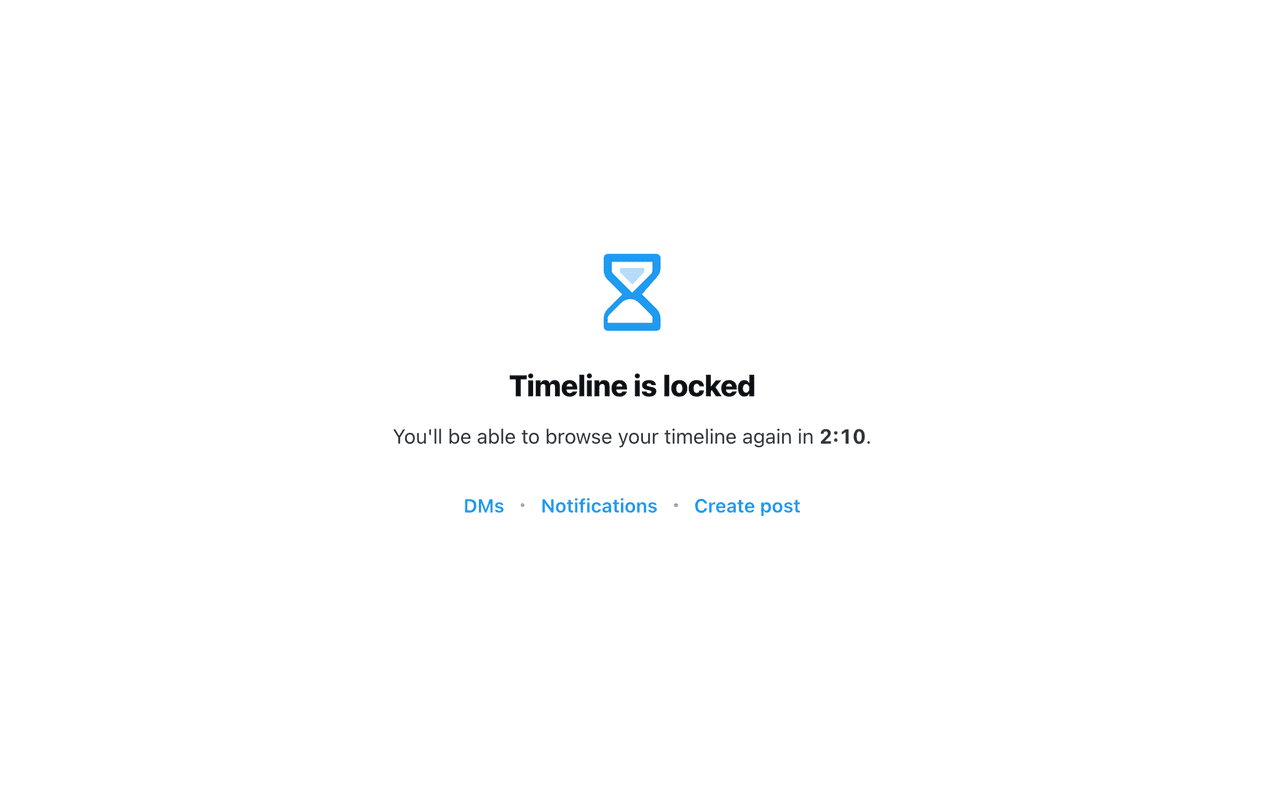
How it works
Open X
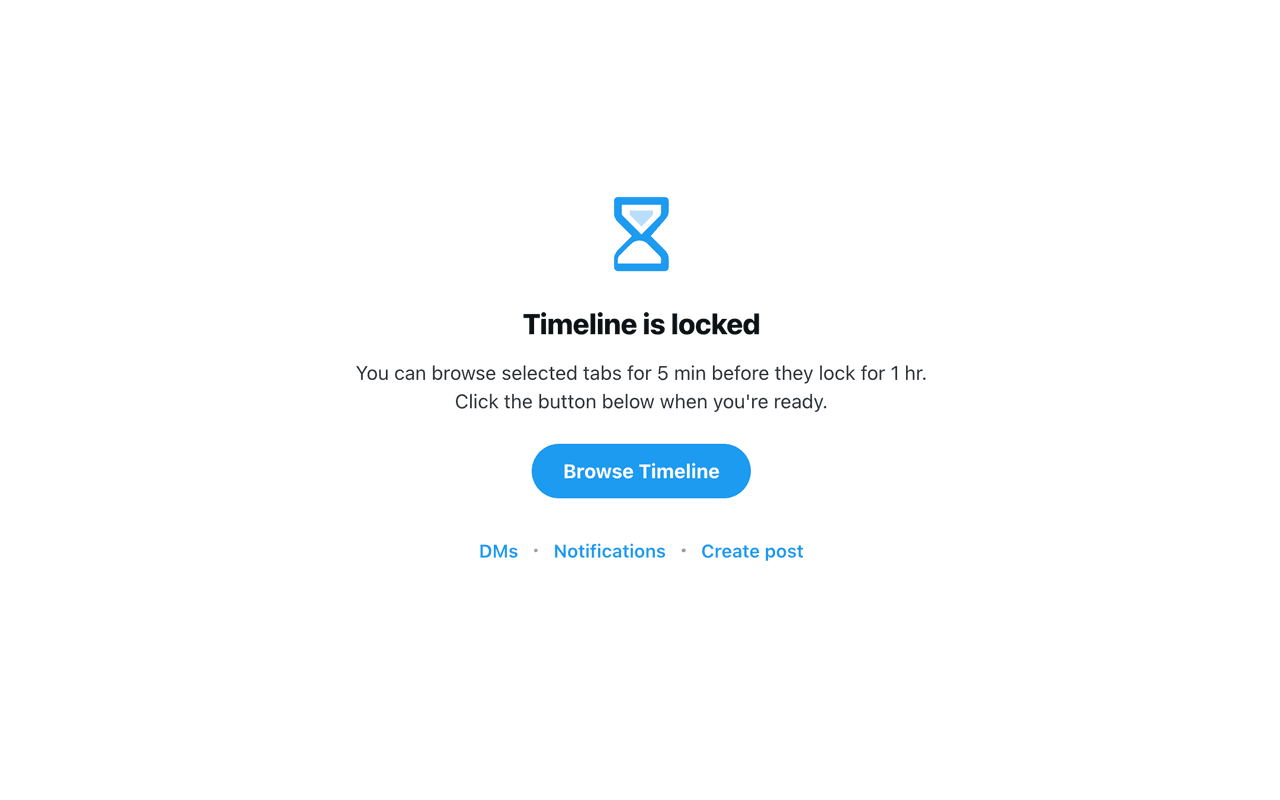
You land on x.com/home and see a lock screen instead of the timeline.
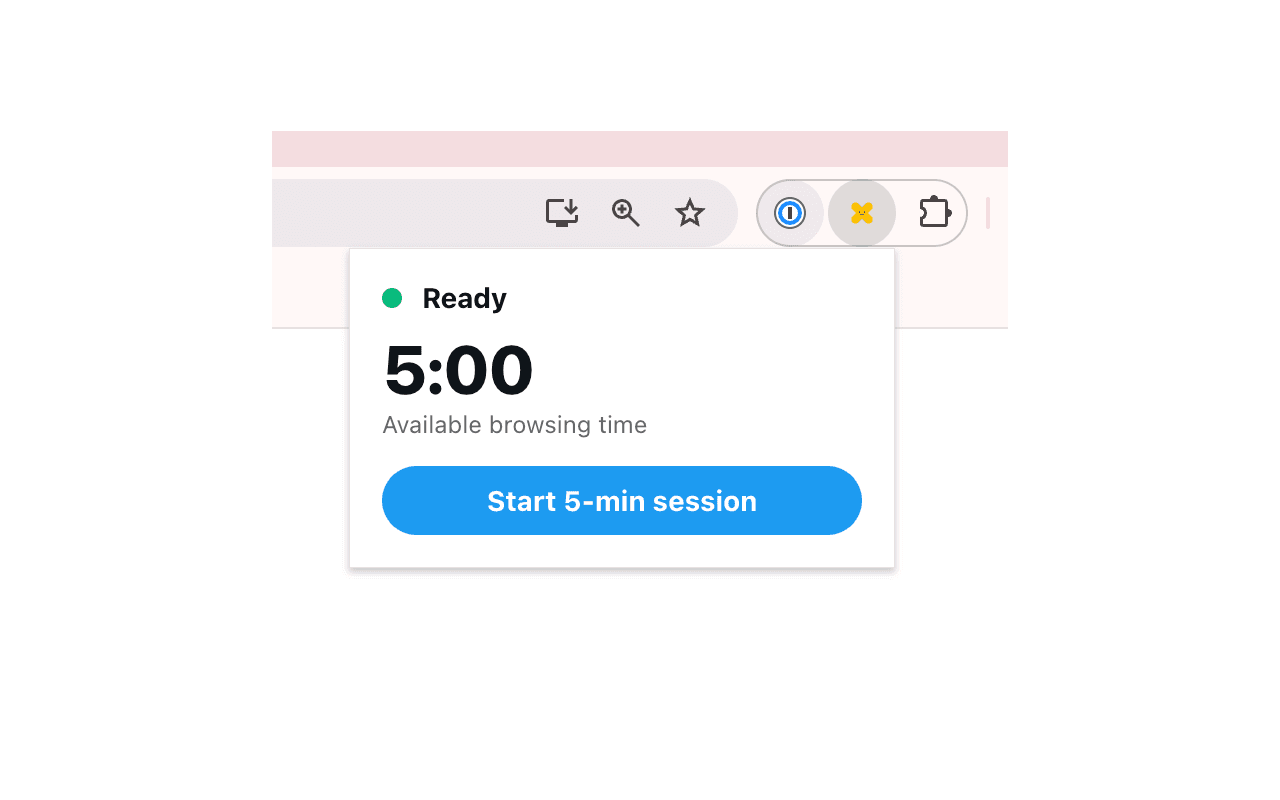
Click Browse Timeline
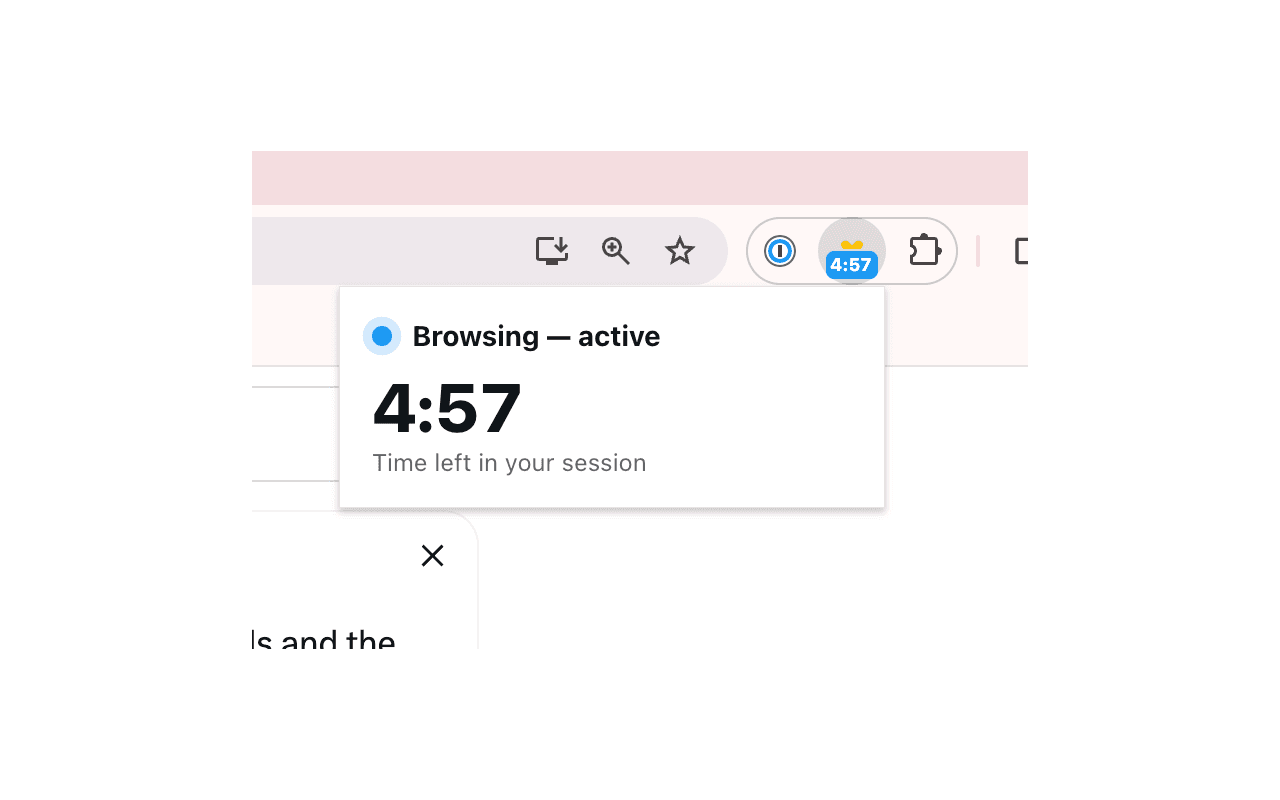
A 5-minute browsing window starts. The toolbar badge counts down in blue.
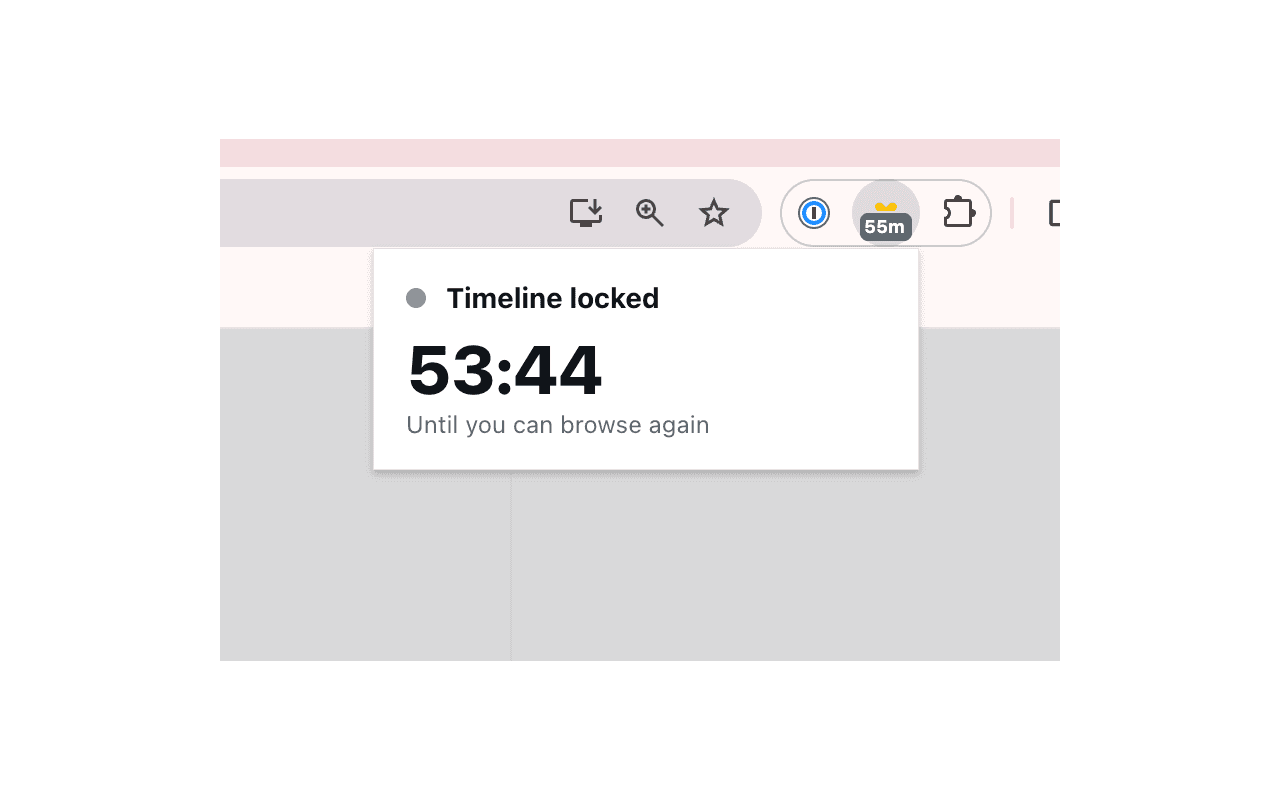
Time's up
Timeline locks for the rest of the hour. DMs, notifications, and posting still work.
What stays accessible
Only the timeline is gated. Everything you actually use X for keeps working.
Why it works
The 5-min / 1-hr cycle is restrictive enough that you stop opening X out of habit, generous enough that you don't feel cut off. No willpower required.
See it in action
Privacy
This section is the formal privacy policy for the Timeline Blocker for X/Twitter Chrome extension. Last updated: May 19, 2026.
No data leaves your browser
Timer state is stored locally in your browser via chrome.storage.local. Nothing is sent to any server.
No accounts, no tracking, no analytics
You don't sign in. We don't collect personal information, usage data, or analytics of any kind. There are no third-party trackers in the extension.
Where it runs
The extension only runs on x.com and twitter.com. It does not access any other websites.
Permissions used
- storage — persist the timer state locally between tabs and sessions.
- alarms — update the toolbar badge once per minute when no X tab is open.
- host permissions on x.com and twitter.com — inject the lock overlay and detect single-page-app navigation between the timeline and other sections.
Contact
Questions about privacy? Email jack@frikit.net.
Built by the team at post bridge — cross-post your tweets to Threads, LinkedIn, and Bluesky from one dashboard. Try post bridge →