
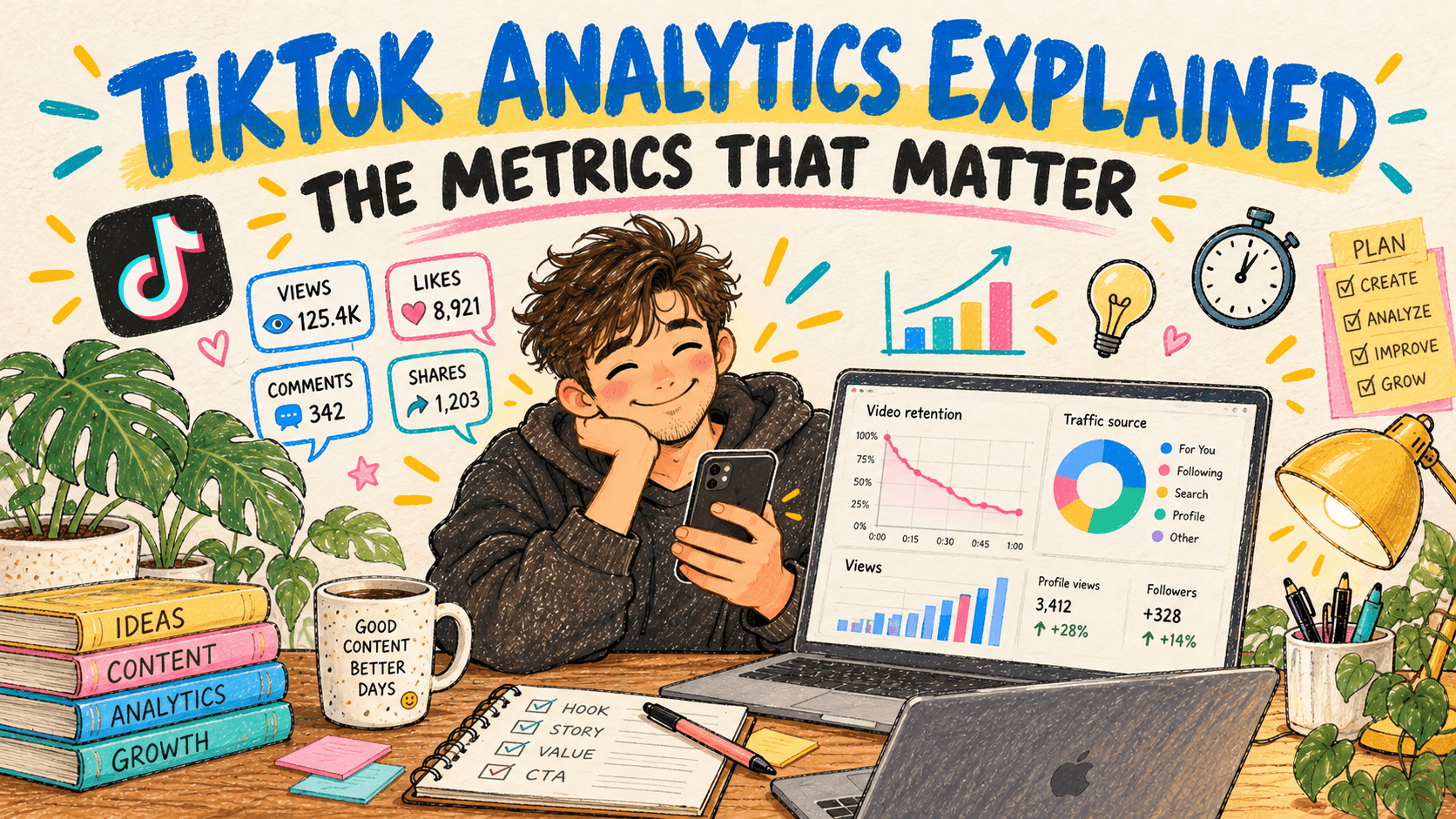
The short version
TikTok shows you dozens of numbers. Three of them explain most of what happens to a video:
- Average watch time, compared with the video's length. Did people stay?
- Watched full video, as a percentage. Did they reach the end?
- Traffic source, especially the share from the For You feed. Did TikTok push it to new people?
Views, likes and followers are the result. Those three are the cause. This guide explains where to find TikTok analytics, what each metric means, and which ones to act on.
Where to find TikTok analytics
Analytics live in TikTok Studio, and both personal and business accounts can use them.
- On your phone: go to your profile, tap the menu (three lines) in the top right, tap TikTok Studio, then open Analytics.
- On a computer: open TikTok in a browser, go to TikTok Studio, and choose Analytics.
- For one video: open the video, tap the three dots or the view count, then Analytics (or More data).
New numbers can take a day or so to settle.
The analytics page is split into sections. Names vary a little between the app and the web, but you will see roughly these:
- Overview: totals for your whole account over a date range.
- Content: how each recent video performed.
- Viewers and Followers: who is watching, where they are and when they are active.
- LIVE: stats for live streams, if you go live.
Consistency beats the algorithm
The accounts that grow post steadily. post bridge lets you batch a week of posts in one sitting and schedules them to every platform you use.
Plan your week of postsAccount metrics (Overview)
- Video views: total views across all your videos in the period.
- Profile views: how many times people opened your profile. A rising number means videos are making people curious about you, which usually comes before follower growth.
- Likes, comments and shares: total engagement in the period.
- Net followers: followers gained minus followers lost.
- Estimated rewards: only if you are in a TikTok monetization program.
Use these to spot trends over weeks. They are too blunt to tell you why one video worked.
Video metrics (the ones that matter)
Open any single video's analytics to see these.
Average watch time
How long, on average, each viewer watched. Always compare it with the video's length. A 15-second video with 12 seconds of average watch time held people far better than a 60-second video with 15 seconds.
A common rule of thumb from creators: aim for an average watch time above half of the video's length. That is a rough benchmark, not a TikTok target.
Watched full video
The share of viewers who watched to the end. Shorter videos need a higher number, because finishing them takes less commitment. If this number is low, either the video is too long for its idea or the payoff comes too late.
Retention curve
A graph of how many viewers are still watching at each second.
- A steep drop in the first 2 to 3 seconds means the hook failed. Change the first frame, the opening line or the on-screen text.
- A drop in the middle points to a slow section. Cut it next time.
- A bump means people rewatched a moment. That is the part to do more of.
Traffic source
Where the views came from:
- For You: TikTok recommended the video to people who do not follow you. This is where growth comes from.
- Following: your existing followers saw it in their Following feed.
- Personal profile: people found it by opening your profile.
- Search: people searched for something and found your video. TikTok also shows the search terms, which are free keyword research for captions and on-screen text.
- Sound: people found it through the sound or song you used.
If most views come from Following and profile, TikTok is showing the video to people who already know you. If the For You share climbs, the video is reaching new people.
Total play time, likes, comments, shares and saves
- Total play time adds up every second watched, including rewatches.
- Shares and saves are strong signals, because they show the video was worth sending to someone or keeping. They usually say more than likes.
- Comments show the video started a conversation. Replying to comments, especially with a video reply, can give the original video a second wave.
New followers from the video
How many people followed after watching. A video with modest views but many new followers is worth repeating: it shows exactly what people want more of.
Viewers and followers
- Most active times: when your followers are on TikTok, by hour and by day. Use it to choose when to post.
- Top locations: if most viewers are in another country, schedule for their time zone.
- Gender and age: useful for checking whether you are reaching the audience you want.
What to do with the numbers
A simple weekly review takes 15 minutes:
- List your last 5 to 10 videos with views, average watch time as a share of length, watched full video, and For You share.
- Find the top two by retention, not by views. Retention is the cause, views are the effect.
- Look at their first 3 seconds. What did they do differently? Copy that hook style.
- Check search terms on your best videos and use those words in your next captions and on-screen text.
- Change one thing at a time (the hook, the length, the format or the posting time) so you know what made the difference.
Common mistakes
- Judging a video in its first hour. TikTok often keeps distributing a video for days. Wait 48 to 72 hours before calling it.
- Chasing likes. Retention, shares and saves predict reach far better.
- Deleting videos that flopped. It removes your own data and rarely helps. Archive or make them private if you must.
- Comparing videos of very different lengths by raw watch time. Always compare against length.
Seeing TikTok next to your other platforms
TikTok Studio only shows TikTok. If you post the same videos to Instagram Reels, YouTube Shorts and Facebook too, comparing them means opening four apps.
post bridge publishes your videos to TikTok and nine other platforms from one dashboard, and shows views, likes, comments and shares for each post across TikTok, YouTube, Instagram and Facebook in one place. It does not replace TikTok Studio's retention graphs, but it shows at a glance which platform each video did best on.
FAQ
How do I see analytics on TikTok?
Go to your profile, tap the menu in the top right, open TikTok Studio, then Analytics. For one video, open it and tap Analytics or More data.
Do I need a business account for TikTok analytics?
No. Personal and business accounts both have analytics in TikTok Studio, though some details vary by account type.
What is a good average watch time on TikTok?
There is no official target. A common creator rule of thumb is more than half of the video's length. Compare your own videos with each other rather than with outside benchmarks.
What does For You mean in traffic source?
Views from TikTok's recommendation feed, shown to people who do not necessarily follow you. A high For You share means TikTok is pushing the video to new viewers.
Why do my TikTok analytics not update?
Data usually lags by up to a day, and very recent videos keep changing for several days. Check again after 48 hours.
Can I see who viewed my TikTok videos?
No. Analytics show totals and audience breakdowns, not individual viewers. Profile view history is a separate setting that only shows people who also have it turned on.