
you're scrolling through your instagram following list and start wondering: how many of these people actually follow me back?
it's a question almost every instagram user has asked at some point.
the answer isn't immediately obvious because instagram doesn't make it easy to see who's not following you back.
but don't worry. this guide will show you exactly how to find out who isn't returning the favor, using safe methods that won't risk your account in 2025.
Why Instagram Follower Relationships Matter
before we get into the how, let's talk about the why.
understanding your follower relationships isn't just about ego (though curiosity obviously plays a part). there are legitimate reasons to care:
your follow ratio affects credibility. when someone checks out your profile and sees you're following 5,000 people but only have 200 followers, it sends a signal. a balanced ratio suggests you're worth following.
you can focus on real connections. if you're following hundreds of accounts that don't engage with your content or even follow you back, you're cluttering your feed with noise. cleaning up your following list helps you see content from people who actually care about yours.
the follow/unfollow game is real. some users follow you just to get a follow back, then immediately unfollow. it's manipulative, and identifying these accounts lets you avoid getting played.
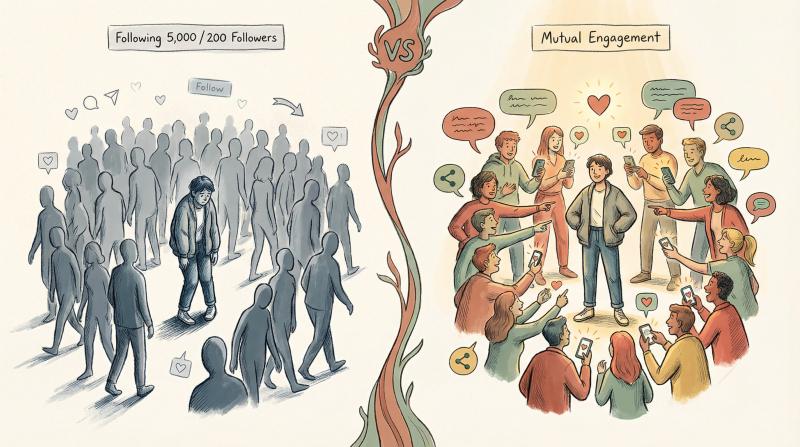
that said, not everyone you follow needs to follow you back.
you probably follow news outlets, favorite creators, or brands you love without expecting reciprocity. that's completely normal.
the goal here is to identify accounts where you expected mutual engagement but didn't get it.
How to Check Who Doesn't Follow You Back Manually (Free Method)
if you only follow a handful of accounts, the simplest way to check is directly through instagram:
1. open your profile and tap "following"
2. click on any account to view their profile
3. look for the "follows you" label under their bio
if that label appears, they're following you back. if it doesn't, they're not.
simple, but incredibly tedious if you follow more than 20 or 30 people.
quick tip: you can also search for specific usernames in your followers list. go to your profile, tap your followers count, and type someone's name in the search bar. if they don't show up, they're not following you. this is instagram's official method for spot-checking individual accounts.
the upside: it's 100% safe, uses instagram's own features, and costs nothing.
the downside: for anyone following more than a few dozen accounts, this becomes painfully slow. you're checking profiles one by one with no bulk analysis possible.
How to Find Instagram Non-Followers Using Data Download (Safe & Scalable)
here's where things get interesting.
instagram lets you download all your account data, including complete lists of your followers and who you're following. by comparing these two lists, you can identify everyone who isn't following you back.
this method is completely within instagram's terms of service because you're using their official data export feature. no third-party logins, no password sharing, no risk of bans.
how to do it
step 1: request your data
in the instagram app, go to your profile menu (≡) and navigate to settings > accounts center > your information and permissions > download your information. on desktop, find this under settings > privacy and security > data download.
instagram will ask what data you want. select "some of your information" and check the boxes for followers and following. choose json format (it's easier for comparison tools to read) and set the date range to "all time."
step 2: wait for the email
instagram takes anywhere from a few minutes to 24 hours to prepare your data, depending on how many people you follow. you'll get an email with a download link for a .zip file.
step 3: extract and locate the lists
inside the zip file, look for a folder related to "followersandfollowing." you'll see two files: one for your followers and one for your following. these contain every username in those categories.
step 4: compare the lists
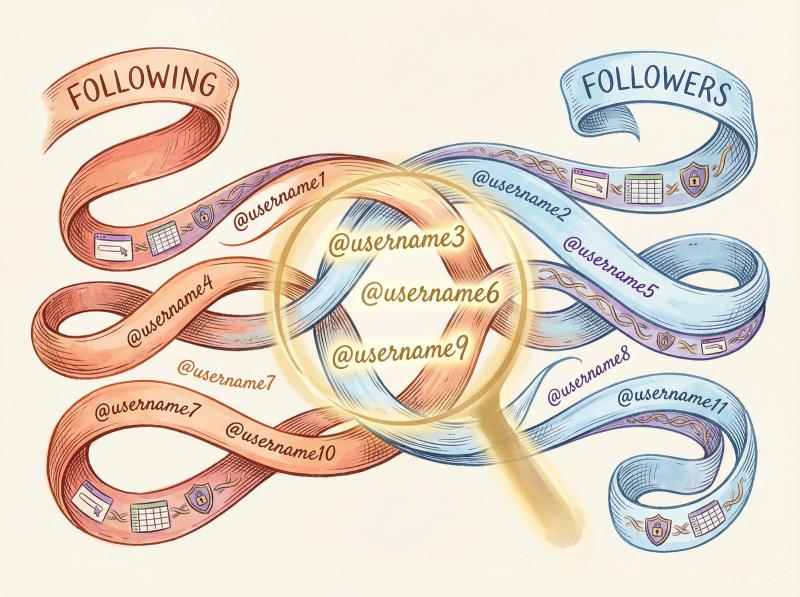
now you need to identify usernames in your "following" list that aren't in your "followers" list. there are several ways to do this:
using an online comparison tool: copy the usernames from each file and paste them into a text comparison site like listdiff.com. the tool highlights users only in list b (those you follow who don't follow back).
using a spreadsheet: copy the lists into excel or google sheets in separate columns. use functions like vlookup or conditional formatting to find which names appear in the "following" column but not the "followers" column.
using a specialized tool: some services let you upload your instagram data file and instantly show who isn't following you back. these tools claim to process everything locally on your device for privacy, meaning your data never hits their servers.
method - time required - technical skill - privacy level
- online text comparison - 5-10 minutes - low - medium (copy-paste to third party)
- spreadsheet analysis - 10-15 minutes - medium - high (stays on your device)
- specialized tool - 2-3 minutes - low - high (local processing)
the best part: this is perfectly safe. you're using instagram's own data export feature, so there's zero risk of account suspension. you can repeat this process monthly to track who unfollows you over time.
the only downside: it's a bit technical the first time and requires waiting for the data email. but once you've done it once, you'll have a reusable process.
Third-Party Apps to Track Instagram Unfollowers (Use With Caution)
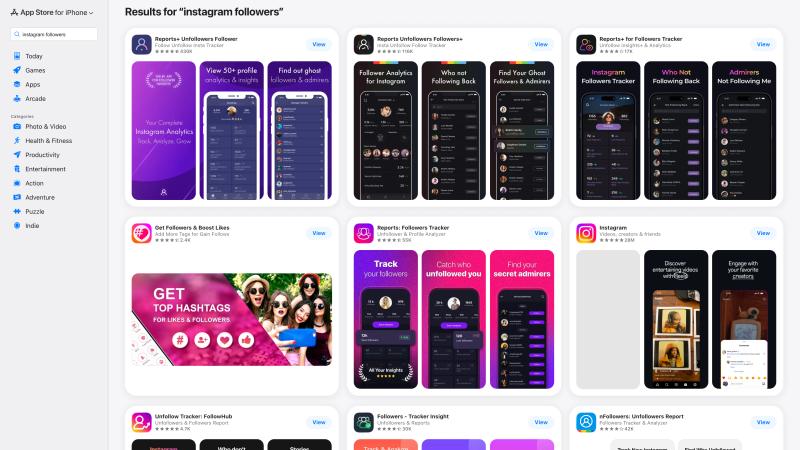
walk into any app store and you'll find dozens of apps promising to show your unfollowers instantly. followmeter, reports+, followers & unfollowers (and countless others) claim to analyze your account with one login.
the appeal is obvious. instead of downloading data files and comparing lists, you just log in and get instant results. many offer features like:
- recent unfollowers
- accounts that don't follow you back
- ghost follower identification
- engagement analytics
sounds convenient, right? here's the problem.
the real risks
instagram's algorithm can flag these apps as suspicious activity. when you give a third-party app your instagram credentials, you might be violating instagram's terms of service if that app isn't an authorized partner. instagram can suspend your account without warning for using unauthorized apps.
users have reported temporary lockouts, action blocks, and feature restrictions after using certain follower-tracker apps. instagram's systems detect what looks like automated activity or credential sharing and treat it as a security threat.
your password could be stolen. if the app is malicious or poorly secured, you're handing over the keys to your account. that's not paranoia. it's happened to real users.
if you must use third-party apps
not all third-party tools are dangerous. some use instagram's official graph api through oauth (you'll see instagram's real login screen and a permissions request). these apps don't actually see your password and operate within instagram's rules.
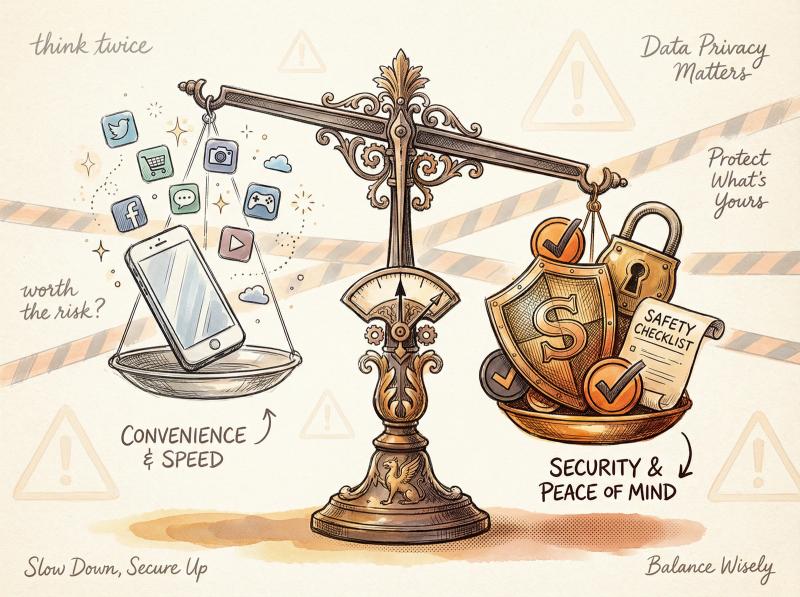
safety checklist before using any app:
- never give your password to an app that seems sketchy or unverified
- check app store/google play reviews from 2024-2025 (are people reporting bans or hacks?)
- start with free features to test before paying for a subscription
- review connected apps in instagram settings > security > apps and websites and remove any you don't trust
- don't use bulk unfollow features aggressively (instagram limits follow/unfollow actions to prevent spam)
popular options (use at your own risk):
third-party follower tracking apps have been documented by users across app store reviews and social media discussions. followmeter has been around for years and has decent reviews, though some users report glitches. reports+ offers detailed analytics but can trigger instagram action limits if used heavily. followers & unfollowers focuses specifically on non-followers and lets you unfollow directly from the app.
bottom line: the convenience isn't worth the risk for most people. stick to the official data download method unless you absolutely need real-time tracking and are willing to accept the potential consequences. understanding instagram's best practices can help you avoid actions that trigger platform alerts.
How to Automate Your Instagram Strategy Beyond Follower Tracking
here's what nobody tells you about obsessing over who follows you back: it's a symptom of a bigger problem.
if you're spending hours every week manually managing your instagram presence (checking followers, posting to multiple platforms, scheduling content), you're bleeding time that could go into creating better content.
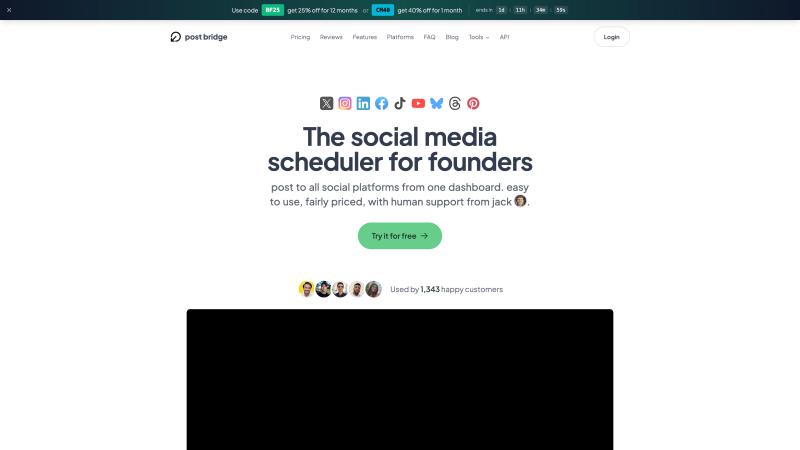
this is where post bridge comes in.
instead of logging into instagram, facebook, tiktok, linkedin, x, youtube, pinterest, threads, and bluesky separately to post the same content, you can handle everything from one dashboard. schedule posts across all nine platforms, manage multiple accounts, and actually spend time building relationships with the followers you do have instead of constantly auditing who doesn't follow back.
think about it this way: if you're spending 30 minutes a day manually posting to different platforms and another 20 minutes checking who unfollowed you, that's nearly 6 hours a week of manual social media management. post bridge gets rid of the posting grunt work (it starts at just $29/month). that time savings alone is worth more than obsessing over non-followers.
features that actually matter for creators:
- multi-platform posting to 9 major networks from one interface
- scheduling and instant publishing so you're not tied to your phone
- tiktok draft detection and youtube shorts handling
- api access for advanced workflows (closed beta, $0.05 per post)
- multiple account management so you can run personal and business profiles efficiently
the reality is that most successful creators don't manually check who unfollows them every day. they focus on creating valuable content and engaging authentically. tools like post bridge handle the distribution, freeing you to focus on what actually grows your audience: great content and real engagement.
What to Do After You Find Instagram Accounts Not Following You Back
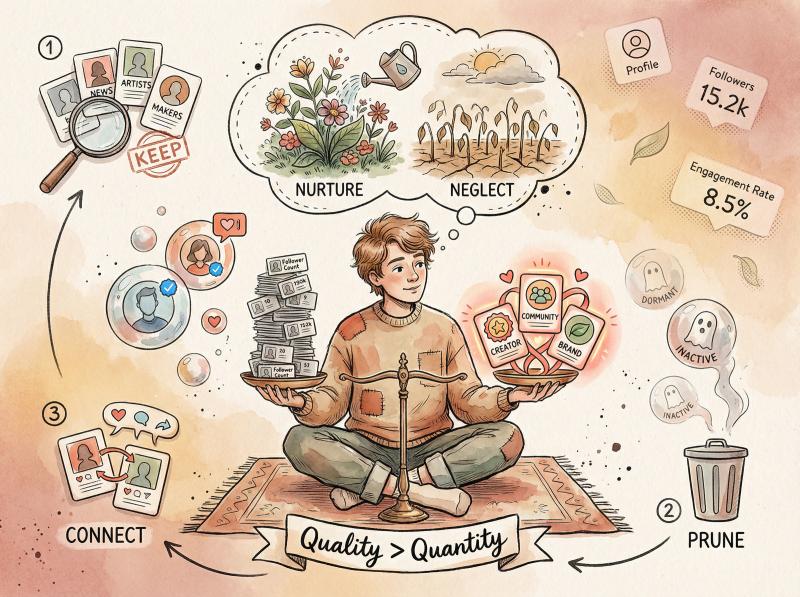
so you've got the list. now what?
don't unfollow everyone immediately. take a strategic approach:
① evaluate exceptions first.
you probably follow news outlets, favorite creators, or brands that you don't expect to follow you back. keep those. this isn't about turning instagram into an echo chamber of mutual follows.
② unfollow dormant accounts and obvious non-engagers.
random people you followed years ago who never interacted with your content? gone. accounts that followed you, you followed back, then they immediately unfollowed? definitely gone.
③ consider engagement over follower count.
someone with 500 engaged followers who comment, share, and care about their content is doing better than someone with 5,000 ghost followers. focus on building that genuine community. our free growth guide teaches you how to attract engaged followers from day one.
avoid the daily check obsession. constantly tracking who unfollowed you is a recipe for frustration. instagram is volatile. people follow and unfollow all the time for reasons that have nothing to do with you. check maybe once a month, clean up your list, and move on.
real talk: follower count is a vanity metric. your account's security, content quality, and engagement rate matter infinitely more than whether every single person you follow follows you back. if you're serious about growth, understanding what type of content performs best will serve you better than obsessing over non-followers.
How to Stay Safe and Grow Your Instagram Authentically
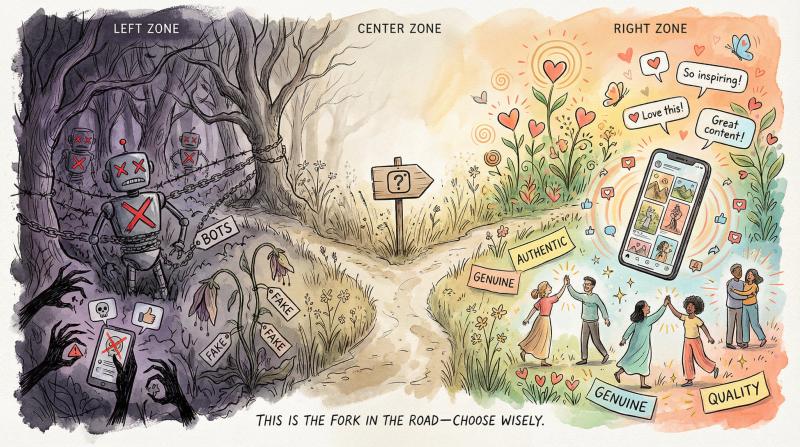
instagram's 2025 policies heavily prioritize authentic behavior. they're cracking down on aggressive follow/unfollow tactics, bot-like activity, and unauthorized data scraping. the methods we've covered keep you on the right side of those rules:
✓ manual checking through instagram's app
✓ official data export and comparison
✓ carefully vetted third-party apps (if you must)
what instagram doesn't want to see:
✗ mass following/unfollowing in short timeframes
✗ using bots or automation services
✗ giving your credentials to sketchy apps
✗ gaming the algorithm with fake engagement
the smartest approach isn't to constantly purge non-followers. it's to attract followers who stick around in the first place. how?
post consistently valuable content that resonates with your target audience. use tools like post bridge to maintain a regular posting schedule across platforms without burning out. engage genuinely with your audience (reply to comments, check out their content, build relationships).
focus on quality over quantity. a smaller following of people who actually care beats a huge list full of ghosts and non-engagers every single time. want to build real momentum? learn how to go viral on instagram with authentic strategies that work in 2025.
frequently asked questions
q: does instagram notify someone when i unfollow them?
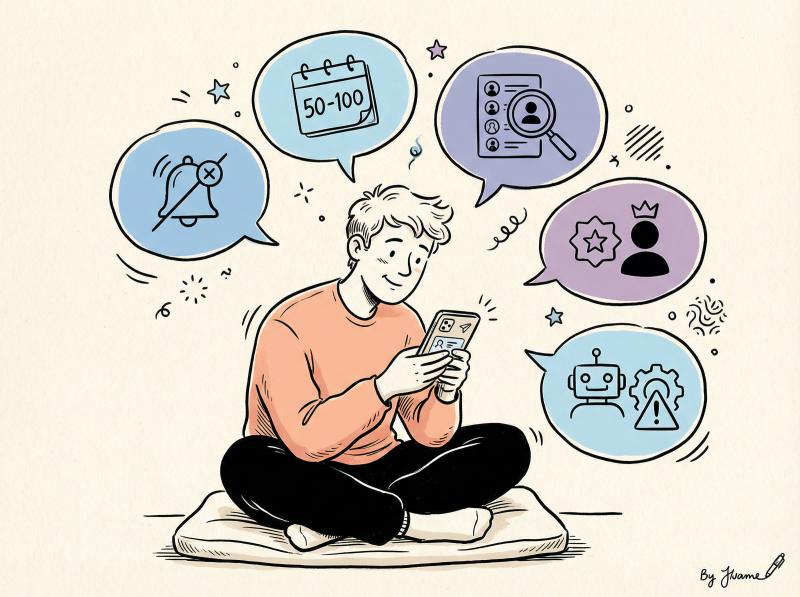
no. instagram doesn't send notifications when you unfollow someone. they'd only notice if they manually check their followers list or use a third-party tracking app.
q: how many people can i unfollow per day without getting blocked?
instagram doesn't publish exact limits, but users report that unfollowing more than 50-100 accounts in a short period can trigger action blocks. space it out over days to be safe.
q: can i see who unfollowed me recently without using an app?
not directly through instagram. the official data download method shows current followers/following but doesn't track historical changes. you'd need to compare data exports from different dates or use a third-party app (with the risks we discussed).
q: is it rude to unfollow someone who doesn't follow me back?
not at all. your instagram feed should work for you. if an account doesn't provide value and doesn't engage with your content, there's no obligation to keep following them.
q: what if i follow a celebrity or brand that doesn't follow back?
that's completely normal and expected. celebrities, major brands, and large creators can't follow everyone back. only unfollow these accounts if you genuinely don't want their content in your feed anymore.
q: can i use automation tools to unfollow non-followers?
technically yes, but we strongly advise against it. mass automation can get your account flagged or banned. if you're going to unfollow people, do it manually and gradually.
q: how often should i check who doesn't follow me back?
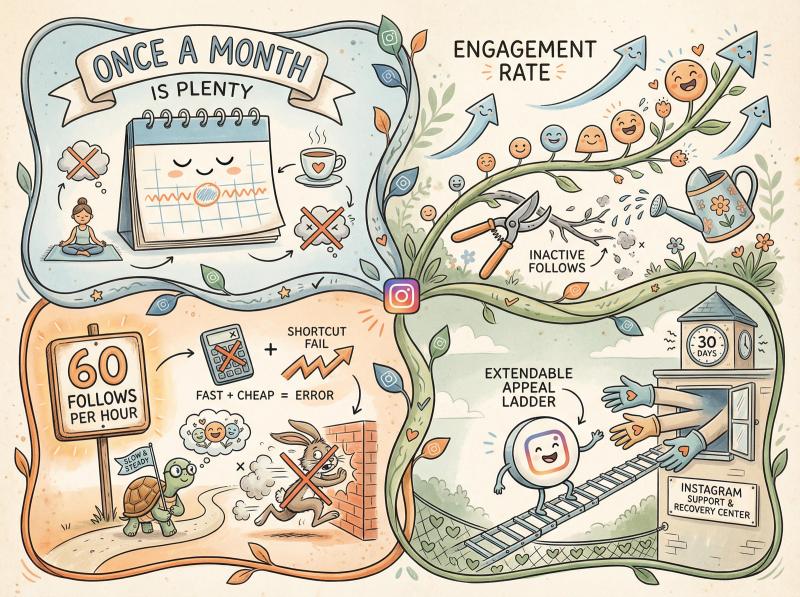
once a month is plenty for most users. checking more frequently just creates unnecessary stress and doesn't meaningfully improve your account.
q: will cleaning up my following list improve my engagement rate?
potentially, yes. by removing inactive follows and focusing on accounts that engage with you, your feed becomes more relevant and you're more likely to engage back. plus, a better follower-to-following ratio can improve how your profile looks to new visitors.
q: can i get 1,000 followers quickly by following people who don't follow back?
no. instagram limits you to about 60 follows per hour, and getting 1k followers in 5 minutes is mathematically impossible. focus on sustainable growth strategies instead of shortcuts that could get you shadowbanned.
q: what should i do if my account gets suspended while using follower tracking tools?
follow instagram's account suspension appeal process immediately. you typically have 30 days before permanent deletion, and human review can increase recovery chances significantly.
the bottom line
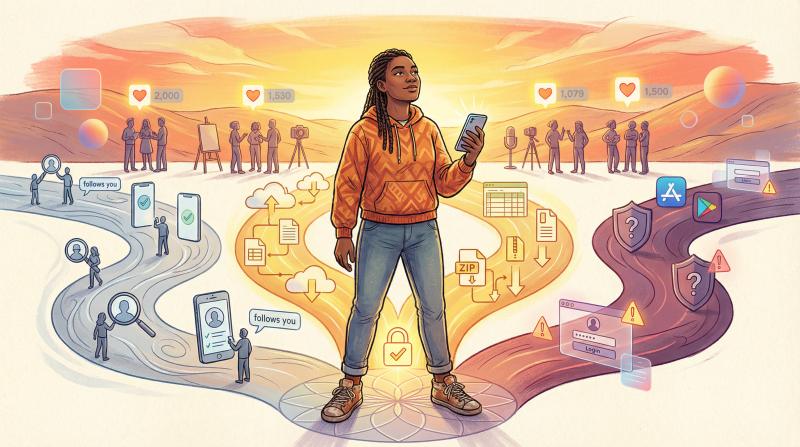
finding out who doesn't follow you back on instagram comes down to three main approaches: manual checking (free but tedious), instagram's data download (safe, accurate, scalable), or third-party apps (convenient but risky).
for most people, the data download method hits the sweet spot. it's completely within instagram's rules, works for large following lists, and doesn't require sharing your password with unknown services.
but here's the bigger picture: instead of obsessing over who doesn't follow back, invest that energy into creating content people want to engage with. use tools like post bridge to streamline your multi-platform posting so you can focus on what actually matters (engaging with your real followers and making great content).
instagram is about building community, not collecting followers who don't care. now you know how to identify the non-followers, what to do about them, and how to keep your account safe while doing it. use this information wisely, and remember that quality always beats quantity.
if you're ready to take your instagram strategy to the next level, check out our free instagram tools including the instagram handle checker, grid maker, and carousel splitter. these tools help you manage your presence more effectively while staying completely within instagram's guidelines.