
Instagram sizes at a glance
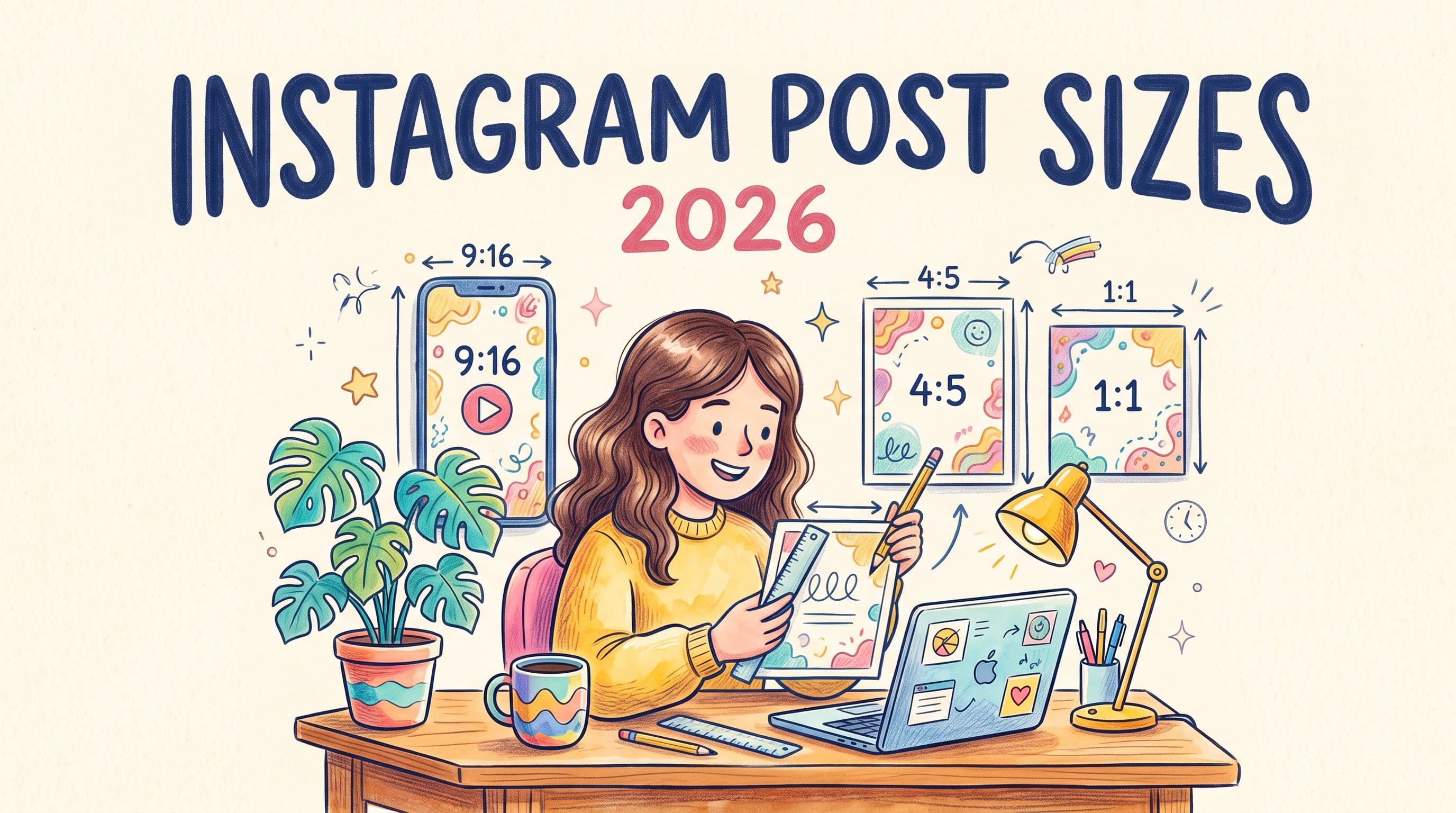
If you only remember one thing: make feed posts 1080 x 1350 (4:5) and Reels and Stories 1080 x 1920 (9:16). Those two sizes cover almost everything you will post in 2026.
| Format | Size (pixels) | Aspect ratio |
|---|---|---|
| Feed post, portrait (recommended) | 1080 x 1350 | 4:5 |
| Feed post, tall portrait | 1080 x 1440 | 3:4 |
| Feed post, square | 1080 x 1080 | 1:1 |
| Feed post, landscape | 1080 x 566 | 1.91:1 |
| Carousel | Same as feed; every slide uses the first slide's ratio | 4:5 recommended |
| Reels | 1080 x 1920 | 9:16 |
| Stories | 1080 x 1920 | 9:16 |
| Reel cover (as seen on your grid) | Design for a 1080 x 1440 center crop | 3:4 |
| Profile picture | 320 x 320 (shown as a circle) | 1:1 |
Instagram displays images at up to 1080 pixels wide. Uploading wider files does not make them sharper; Instagram scales them down and compresses them.
Why 4:5 is still the safe choice for feed posts
Since early 2025, your profile grid shows posts as 3:4 rectangles instead of squares. Instagram made the change so that portrait photos would stop being cropped so aggressively on profiles.
That leaves you two good options:
- 4:5 (1080 x 1350) takes up the most space in the feed and only loses a thin strip at the top and bottom on the 3:4 grid. It is still the best all-round size.
- 3:4 (1080 x 1440) matches the grid exactly. Use it if your profile grid is part of your brand. Keep important details away from the very top and bottom, because the feed may trim it slightly.
Square posts (1:1) still work but take up less screen space in the feed, and landscape posts (1.91:1) take up the least. Use landscape only when the image really needs it.
Rule of thumb: keep faces, text and logos in the middle 80% of the frame. Then any crop, in the feed, on the grid or in a share preview, keeps what matters.
Upload once, post everywhere
post bridge takes one file and publishes it to 10 platforms, converting media where a platform needs a different format. No re-exporting the same video five times.
Try it free for 7 daysCarousels
A carousel can hold up to 20 photos and videos when you post from the Instagram app. Through the API that schedulers use, the limit is 10.
- Every slide is cropped to the ratio of the first slide. Decide the ratio before you design, and use it for all slides.
- 1080 x 1350 (4:5) is the best default for carousels too.
- Mixing photos and videos in one carousel is fine.
Reels
- Size: 1080 x 1920 (9:16), vertical.
- Length: up to 3 minutes when you upload in the app. Instagram raised the limit from 90 seconds in January 2025.
- Safe zone: the caption, buttons and username cover the bottom of the screen and part of the right side. Keep text and faces out of roughly the bottom 20% and away from the right edge.
- Cover: on your profile grid, a Reel shows as a 3:4 crop from the center of its cover. If you design a custom cover, keep the title inside that middle area.
Stories
- Size: 1080 x 1920 (9:16).
- Safe zone: leave about 250 pixels clear at the top (profile icon and progress bar) and about 250 to 340 pixels at the bottom (reply bar and stickers).
- A photo in a different ratio is shown with a background fill. Resize it to 9:16 if you want it full screen.
File formats
- Images: JPG or PNG. JPG keeps files smaller with no visible loss for photos.
- Video: MP4 with H.264 video and AAC audio is the safest choice everywhere, at 30 frames per second.
- Export at 1080 pixels wide. 4K uploads are scaled down anyway and take longer to process.
Common sizing mistakes
- Designing in a 1:1 template and posting as 4:5. You lose the extra height the feed would have given you.
- Text near the edges of a Reel. It ends up under the caption or the buttons.
- Carousel slides in different ratios. Everything after the first slide gets cropped to match it.
- Reposting a TikTok with its watermark. Export the clean original instead. Instagram has said it recommends Reels carrying other apps' watermarks less.
Posting the same content elsewhere?
A 1080 x 1920 vertical video works as an Instagram Reel, a TikTok and a YouTube Short with no changes. A 4:5 image works on Instagram, Facebook, Threads and LinkedIn. For every other platform's sizes, see our social media image and video sizes cheat sheet.
If you post to several platforms, post bridge lets you upload a file once and publish or schedule it to Instagram and up to nine other platforms in one go. It converts media where a platform needs a different format, so you are not re-exporting the same video five times.
FAQ
What size is an Instagram post in 2026?
1080 x 1350 pixels (4:5) is the recommended size for a feed post. Square 1080 x 1080 and tall 1080 x 1440 (3:4) also work.
Is Instagram's grid 3:4 now?
Yes. Profile grids show posts as 3:4 rectangles. A 4:5 post loses a thin strip at the top and bottom on the grid but shows in full in the feed.
What size is an Instagram Reel?
1080 x 1920 pixels, 9:16, up to 3 minutes long when uploaded in the app.
What is the Instagram Story size?
1080 x 1920 pixels, 9:16. Keep text out of the top and bottom 250 pixels or so.
How many photos can an Instagram carousel have?
Up to 20 in the Instagram app. Scheduling tools that post through Instagram's API are limited to 10.
Why does Instagram make my photo blurry?
Usually because the file is much larger than 1080 pixels wide or heavily compressed already. Export at 1080 pixels wide as a high-quality JPG.