
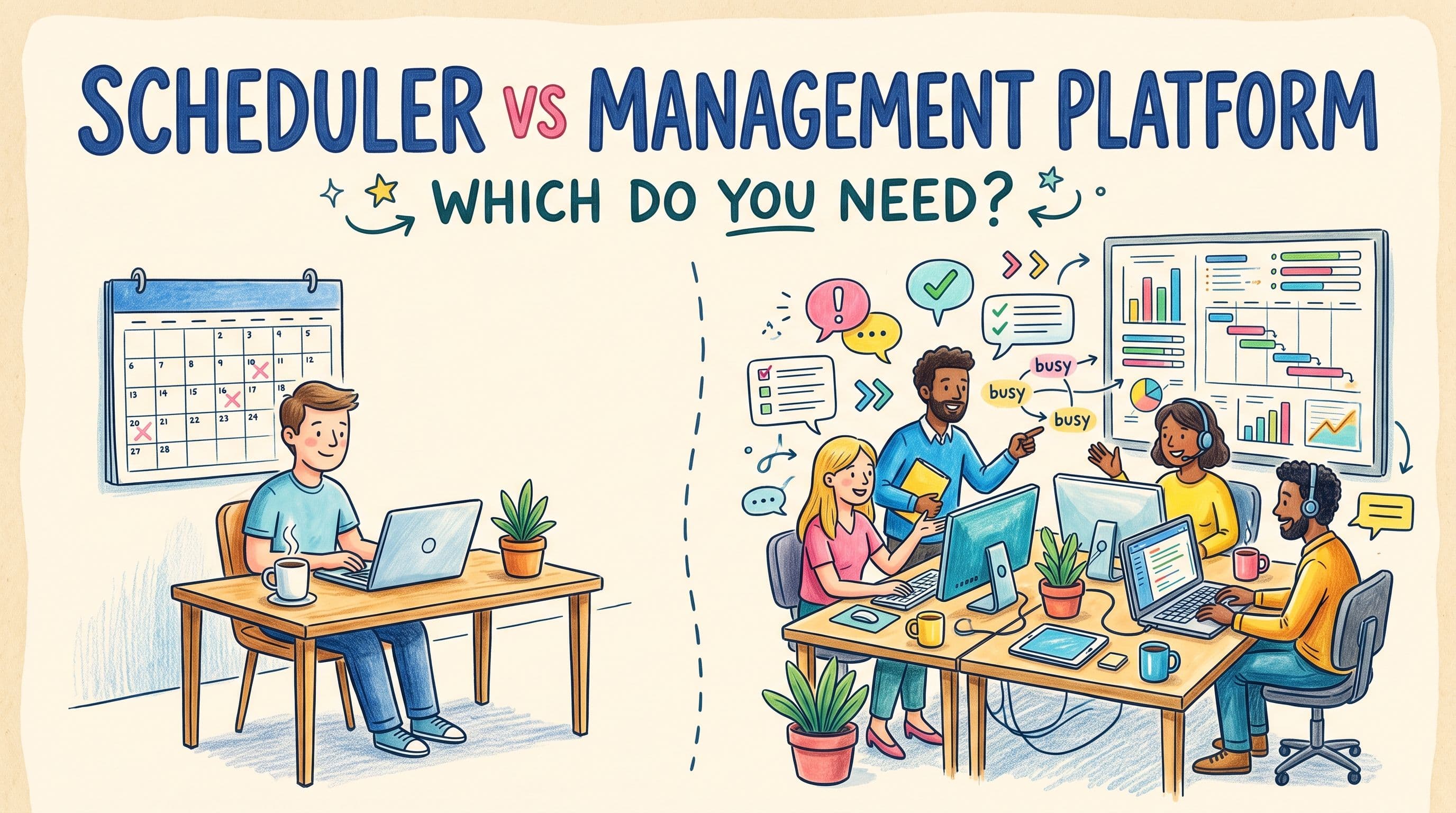
The short version
- A social media scheduler publishes your posts on time, across platforms. That's its job.
- A social media management platform (Hootsuite, Sprout Social and similar) adds the parts of social that involve other people: a shared inbox, approval workflows, roles, social listening and client reporting.
- If you run your own marketing, your problem is usually consistency, and a scheduler fixes it.
- If several people touch your accounts, or DMs and comments are a real workload, your problem is coordination, and a suite is worth paying for.
What a social media scheduler does
A scheduler is a publishing tool. You write a post, attach your image or video, pick a time, and the tool posts it for you on every account you choose.
The core features look about the same everywhere:
- A content calendar, so you can batch a week of posts in one sitting
- Cross-platform publishing: one post goes to Instagram, TikTok, LinkedIn, X and wherever else you're active
- Scheduling for later, or posting right now
- Some analytics on how posts performed
That's it. A scheduler manages content, not people. Nobody approves anything, there's no client to report to, and there's no shared inbox to triage. You still reply to comments and DMs in the native apps.
Create once, post everywhere
post bridge publishes and schedules your posts to Instagram, TikTok, YouTube, X, LinkedIn, Facebook, Pinterest, Threads, Bluesky and Google Business Profile from one dashboard.
Try it free for 7 daysWhat a management platform adds
A management platform is a scheduler plus the tools for teams and high message volume. The usual additions:
- Unified inbox. Comments, DMs and mentions from every network in one place, often with assignment so the right person answers.
- Social listening. Tracking what people say about your brand, competitors or industry, not just your own notifications.
- Approval workflows. Drafts get routed to a manager or client for sign-off before they go live.
- Roles and permissions. Different access levels for writers, managers, interns and clients.
- Reporting. Exportable, presentation-ready performance reports, which agencies need for clients.
These features exist because teams genuinely need them. But an approval workflow doesn't do much when the answer to "who approves this?" is "me, five seconds ago."
Side by side
| Scheduler (example: post bridge) | Management platform (example: Hootsuite, Sprout Social) | |
|---|---|---|
| Core job | Publish on time, everywhere | Run the whole social operation as a team |
| Content calendar | Yes | Yes |
| Cross-platform publishing | Yes, 10 platforms | Yes |
| Unified inbox for comments and DMs | No | Yes |
| Social listening | No | Yes, often on higher tiers or as an add-on |
| Approvals, roles, permissions | No | Yes, often on higher tiers |
| Reporting | Post analytics | Built for client and exec reports |
| How you pay | By number of connected accounts | Per user (seat), per tier |
| Best fit | One person posting regularly | Teams, agencies, brands with lots of inbound messages |
How suite pricing works (and why it adds up)
Management platforms are priced for organizations, usually per seat.
- Hootsuite lists paid plans from about $99 per user per month, billed annually, with Professional around $199 and Advanced around $399 per user per month. It also offers monthly billing at a higher per-user rate. Approvals are listed on the Advanced plan. There's a 14-day free trial.
- Sprout Social lists an Essentials plan from about $79 per seat per month on annual billing ($99 billed monthly), with Standard at $199, Professional at $299 and Advanced at $399 per seat per month. Its consolidated inbox starts on Standard, and listening is a paid add-on. There's a 30-day free trial.
Those prices are fair for what you get if you have a team using the inbox, the approvals and the listening every day. They're a lot to pay if you're one person who mostly wants posts to go out on schedule.
When a suite is actually worth it
Suites aren't bad. They solve real problems, just not everyone's. You probably need one when:
- Someone else approves your posts. A client, a boss or a compliance reviewer. If content leaves your hands before it goes live, routing and sign-off matter.
- Several people write or publish. Roles and permissions stop the wrong person from posting the wrong thing to the wrong account.
- Comments and DMs are a job in themselves. If you're spending hours a day answering across five apps, a shared inbox with assignment pays for itself quickly. This is the big one for ecommerce brands, restaurants and anyone doing customer support on social.
- You owe someone regular reports. Agencies sending monthly client decks get real value from built-in reporting.
- You need to know what people say about you. Listening for brand mentions, competitors or product feedback beyond your own notifications is something a scheduler won't do.
If two or more of those describe your week, trial Hootsuite or Sprout Social. Both have free trials, and you'll know fast whether the inbox and approvals earn their price.
When a scheduler is enough
Most people running their own marketing (a solo founder, a creator, a small business owner) have a different problem. The posts aren't getting stuck in review. They're just not getting posted, because opening five apps and uploading the same video five times eats the morning.
That's a consistency problem, and a scheduler is the tool for it. Things you can safely ignore if you're a team of one:
- Approval workflows. You're the approver.
- Social listening. At small scale, checking your own mentions and comments covers it.
- Agency reporting. If nobody's asking you for a deck, per-post analytics is plenty.
- Per-seat pricing. There's one seat, and it's you.
A simple test: if a better scheduler wouldn't fix your problem (posts stuck waiting on a client, messages falling through the cracks between three people), you need a suite. If it would, you don't.
What a scheduler week looks like for one person
- Batch. Sit down once and make five or six posts. Write the caption once, then tweak it per platform where it matters.
- Schedule. Drop each post on the calendar for the days and times you want.
- Publish everywhere. Each post goes to all the accounts you picked without you opening each app. See our guide on how to cross-post to multiple platforms for the details.
- Reply natively. Check comments and DMs in the apps during the week. A scheduler's job is publishing, not inbox triage.
- Look at what worked. Check post analytics and make more of what landed.
No review stages, no dashboard of dashboards. If you want to compare specific options, our roundup of the best social media schedulers for creators covers tools built for this workflow.
Quick checklist
Answer honestly:
- Does anyone besides you need to see or approve posts before they go out?
- Do two or more people regularly write or publish to the same accounts?
- Do you get more comments and DMs a day than you can handle in the apps themselves?
- Do you send formal performance reports to a client or boss?
- Do you need to monitor brand or competitor mentions beyond your own notifications?
No to all five: get a scheduler. Yes to two or more: trial a management platform. Yes to one: start with a scheduler and see if that one gap actually hurts.
Where post bridge fits
post bridge is a scheduler, and it's built for one person running marketing, not a team. It doesn't have a social inbox, approval workflows or social listening. If you need those, a suite is the right call.
What it does: you write a post once and publish or schedule it to Instagram, TikTok, YouTube, X, LinkedIn, Facebook, Pinterest, Threads, Bluesky and Google Business Profile. You can override the caption per platform, post to several accounts on the same platform, bulk schedule, add a first comment, set YouTube titles, tags and custom thumbnails, and send TikToks as drafts. There's post analytics for TikTok, YouTube, Instagram and Facebook.
If you'd rather have an AI agent do the posting, post bridge also has a REST API and an MCP server, so Claude, ChatGPT and other agents can schedule posts for you. Our guide to posting with AI agents walks through it.
Plans are Marketer at $39/month for 15 connected accounts and Operator at $99/month for 99 accounts (plus $1/month per extra account), with unlimited posts on both and a 7-day free trial. Start with the scheduler. If you finish the trial wishing you had approvals and a shared inbox, that's your sign to go look at a suite.